A 3D book mockup for a workbook or journal needs to do something a standard novel mockup doesn't: it has to show people what's inside. Lined pages, prompt fields, section dividers, fill-in worksheets — that interior is your product. If your mockup hides it, you're leaving conversions on the table. Here's exactly how to approach a workbook or journal mockup the right way, what makes interior-page renders work visually, and how to get five photorealistic mockups without touching Photoshop or paying a designer $300–$2,000.
Why Workbook and Journal Mockups Are Different
When someone considers buying a novel, the cover sells the mood. When someone considers buying a workbook or journal, they're asking a different question: Will this actually work for me? They want to see the page layout. They want to feel the structure. A flat cover image on a white background doesn't answer that question. A 3D mockup that shows thickness, texture, and the physical reality of holding 200 pages of guided prompts — that answers it.
This is why interior-page visibility matters so much in workbook marketing. The spine thickness signals substance. The paper weight and color (cream vs. white) communicate quality. A paperback lying open at a slight angle hints at usability in a way that a front-cover-only shot simply can't.
The challenge is that most standard 3D mockup tools — the ones that accept a cover file and spit out a render — only show the front face. They weren't designed with workbooks or journals in mind. So you end up with a beautiful cover mockup that communicates nothing about the product people are actually paying for.
What Makes an Interior-Page Render Actually Work
Before you generate anything, understand what visual cues do the heavy lifting in a workbook mockup. These four elements are what buyers actually process:
- Spine width. A 90-page daily planner and a 250-page coaching workbook should not look the same in a mockup. Spine thickness is a credibility signal. Thicker spine = more content = more value. A render that auto-calculates spine width from your real page count is worth seeking out.
- Paper color. Cream paper reads as premium and tactile. Bright white paper reads as clean and modern. Neither is wrong, but the choice should match your brand — and it should be visible in the mockup, not hidden.
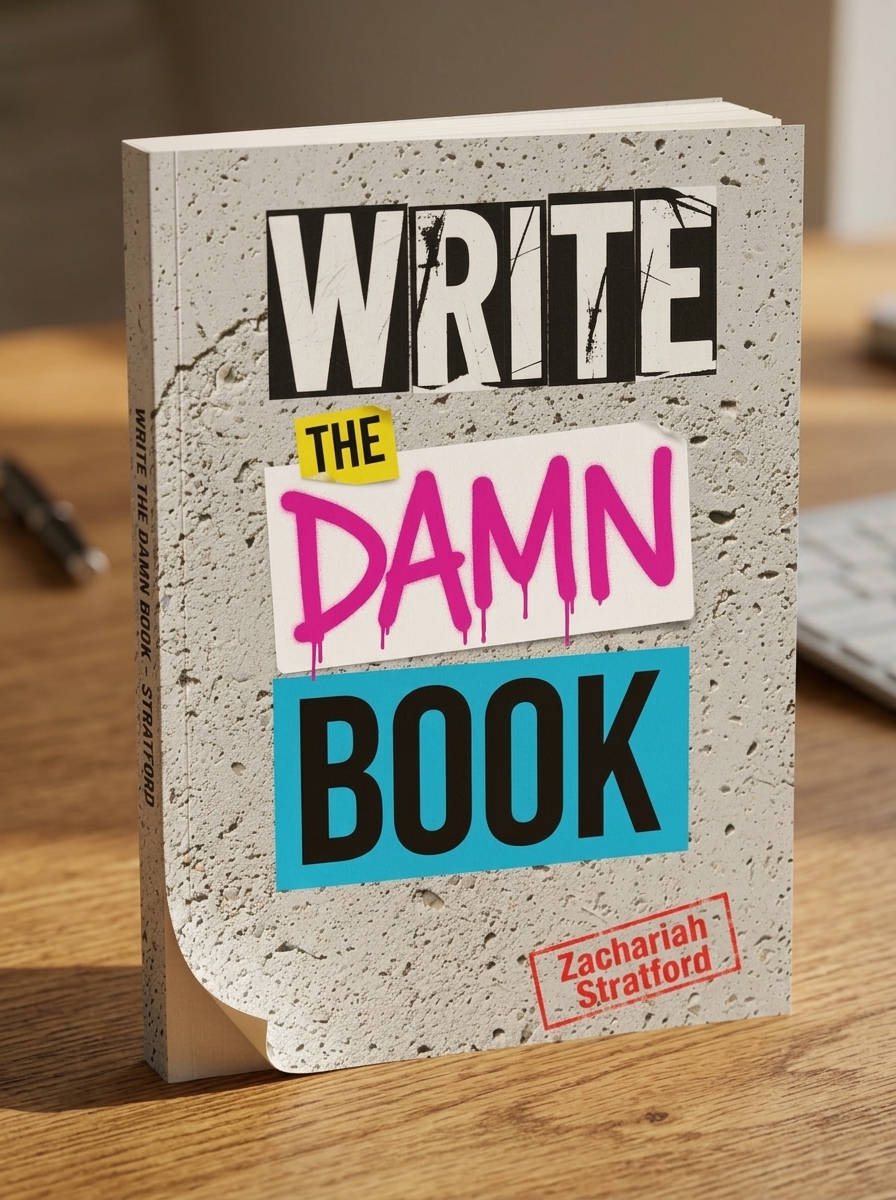
- Page edges. The fanned or stacked page edges visible on the top, right, and bottom of a closed book are one of the most underrated details in a 3D render. They show depth. They make the book look real, not like a cardboard cutout.
- Angle and orientation. A slight three-quarter angle is the standard for a reason: it shows front cover, spine, and page depth simultaneously. For workbooks specifically, an open-flat angle or a slight tilt that reveals some interior page texture is even better.
If your mockup tool handles all four of those elements, you're in good shape. If it only handles the first one, you'll need to supplement.
The Step-by-Step Process for Generating a Workbook 3D Mockup
- Finalize your cover file first. You need a high-resolution front cover — 300 DPI minimum — before any mockup tool can render accurately. If your cover isn't done, the mockup will look unfinished no matter how good the tool is.
- Know your trim size and page count. These two numbers determine spine width, which is calculated differently for white paper (0.002252 inches per page) vs. cream paper (0.0025 inches per page). A 200-page paperback on white paper has a spine of about 0.45 inches. That's a meaningful visual difference from a 300-page book on cream.
- Choose your mockup format strategically. For workbooks and journals, prioritize formats that show page edges — paperback and hardcover renders with a three-quarter angle. A flat front-only render wastes the opportunity to show your interior's depth.
- Generate multiple formats in one pass. You'll need different aspect ratios and formats for different platforms: a vertical render for Instagram, a horizontal boxset for a landing page hero image, a Kindle mockup if you're running an e-book alongside the print edition.
- Use the render immediately — don't sit on it. A 3D mockup is a marketing asset with a shelf life. Amazon category rankings shift, launch windows close. Get it into your ads, landing page, and Amazon author page within 48 hours of generating it.
Where 3D Mockups Actually Get Used (and Why You Need More Than One)
Authors often treat a 3D mockup as a one-and-done asset. They generate one render, drop it on their book's sales page, and move on. That's leaving most of the value behind.
Here's where workbook and journal mockups actually earn their keep:
- Amazon Author Page. Your author page can include images beyond your book's main listing. A paperback mockup showing spine depth makes your workbook look like a real, substantial product next to the flat cover thumbnail.
- Facebook and Instagram ads. Static ad creative with a photorealistic 3D book render consistently outperforms flat cover images in click-through rate testing. The book looks like something you could pick up at a bookstore, which triggers a different psychological response than a flat graphic.
- Landing pages. The hero section of a landing page — the first thing someone sees before they scroll — benefits enormously from a boxset or course package mockup. It signals you've built a full system, not just a single book.
- Email sequences. Launch emails with an embedded mockup image in the header see higher open-to-click rates than text-only emails. For a workbook or journal, a paperback render with visible page edges at the top of an onboarding email sets the right expectations immediately.
- Social proof screenshots. When readers post about your workbook, they photograph it flat on a desk. When you post about it, use the 3D render. The professional quality makes your marketing look intentional, not amateur.
AuthorWizard's 3D Book Rendering Studio: What It Actually Generates
AuthorWizard includes a 3D Book Rendering Studio that generates 5 photorealistic renders from your finished cover — all in a single session, at no additional cost beyond your plan. Hiring a designer to produce the same 5 assets would typically run $300–$800 and take 2–5 business days. AuthorWizard generates them in seconds.
The 5 formats are:
- Hardcover — premium positioning, ideal for high-ticket workbooks and coaching companion books
- Paperback — the workhorse format for most workbooks and journals; shows spine, page edges, and cover in a natural three-quarter angle
- E-Reader/Kindle device mockup — essential if you're running a simultaneous e-book release or a Kindle Unlimited strategy
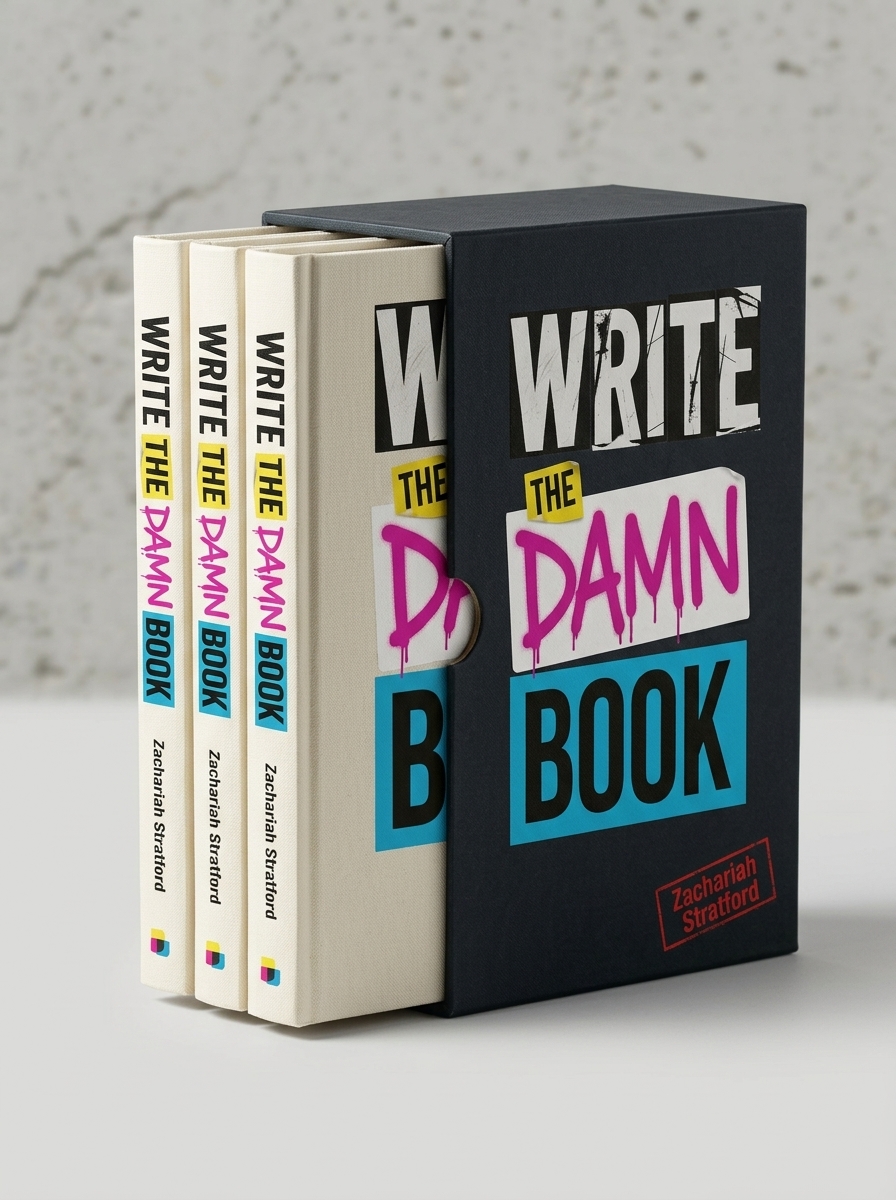
- Standard boxset — stacked covers that communicate series or volume, strong for landing page hero images
- Course package boxset — the most powerful format for workbook authors selling an online course alongside the book; visually positions the workbook as part of a complete program, not a standalone PDF printout
Every render is built from your actual cover file, so the colors, fonts, and imagery on the cover carry through accurately into the mockup — not a placeholder or a generic book texture. The spine width is auto-calculated from your page count using the same formula KDP uses (0.002252 inches per page for white paper, 0.0025 for cream), so the proportions are accurate, not approximated.
These renders are sized and formatted for immediate use in ads, landing pages, and Amazon listings. No additional editing required.
The Mistake Most Workbook Authors Make With Mockups
They generate a mockup after launch. By then, the Amazon listing has already accumulated its first impressions without the strongest possible visual. Early traffic — especially from launch-week promotions — often converts at lower rates than it should, because the product page looks incomplete.
The correct sequence is: finish your cover → generate your 3D mockups → build your landing page and ads using those mockups → launch. The mockup is a pre-launch asset, not a post-launch decoration. For workbooks specifically, where the buyer needs to trust that the interior is worth their time, a professional 3D render is part of the credibility stack that makes someone click "Add to Cart" before they've read a single review.
Generating mockups costs nothing on AuthorWizard. There's no reason to launch without them.
Get 5 Photorealistic 3D Book Mockups — Instantly
Hardcover, paperback, e-reader, boxset, course boxset — AuthorWizard generates all 5 in seconds from your cover. Ready to drop into your ads, landing page, and Amazon author page.
Try the 3D Mockup Studio Free →