A boxset 3D mockup is the single most effective visual asset you can create when selling a series — because it shows readers there's more where that came from, signals authority, and makes your books look like a physical product worth owning. Done right, one good boxset render can anchor your entire launch campaign: your Amazon page, your ads, your landing page, your email header. Done wrong, it looks like a stack of rectangles floating in space. This guide walks you through how to do it right, and how to get there in minutes instead of weeks.
Why a Boxset Mockup Sells Differently Than a Single Cover
A single book cover says "here's a book." A boxset 3D mockup says "here's a world." There's a psychological shift that happens when a reader sees multiple volumes stacked together in a polished 3D render. It signals that you're a serious author with a body of work — not someone who wrote one thing and disappeared.
Boxsets also trigger a specific buyer behavior: perceived value. A three-book bundle displayed as a physical package looks more expensive, more complete, and more giftable than three individual titles listed in a table. That's not a marketing trick — it's how humans process visual information. When readers can see depth, shadow, and dimension in your bundle, their brain reads it as a real object they want to hold.
Compare this to a flat PNG of three book covers lined up in a row. It communicates the same information. It converts at a fraction of the rate.
What Makes a Boxset Mockup Actually Work
Not all 3D renders are equal. A mockup that sells your series has a few specific qualities working together:
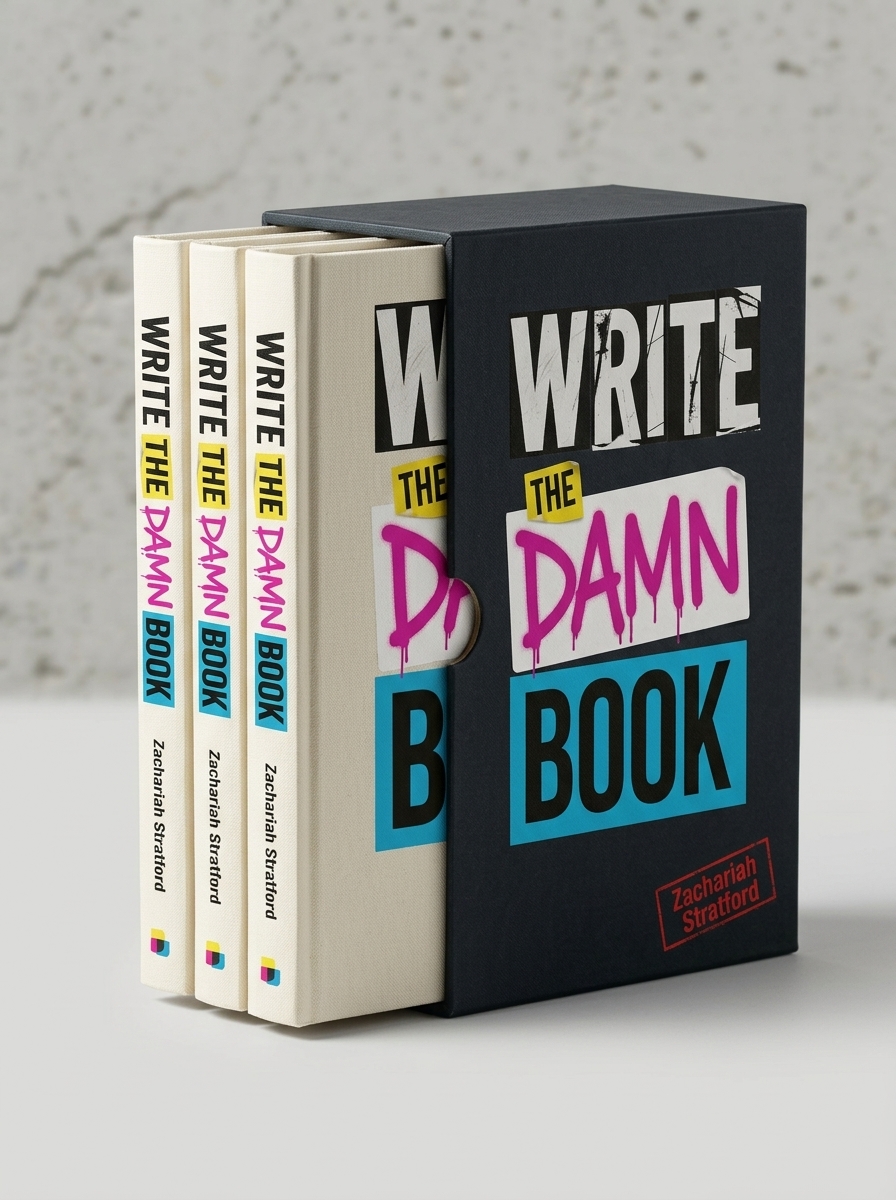
- Spine visibility. The spines of your books need to be legible and consistent. If the reader can see the series name or numbering on each spine, the bundle reads as a cohesive product, not three random books.
- Photorealistic lighting and shadow. Flat renders with no depth look amateur. Real shadow and ambient light make the brain read the image as a photograph of a physical product.
- Your actual cover, not a placeholder. Generic mockup templates filled with stock covers undermine trust. Your real cover — your real colors, typography, and artwork — needs to wrap that 3D object.
- A clean background that works in context. White or transparent backgrounds adapt to ads, landing pages, and Amazon storefronts without looking stitched in.
- High resolution output. You need 300 DPI at minimum for print and paid ads. Low-res mockups that blur when scaled up are dead on arrival in Facebook Ad Manager.
A professional 3D mockup studio charges $300–$800 to produce assets like these. That's before revisions, before turnaround time, and before you realize you need five different formats for five different platforms.
Step-by-Step: How to Create a Boxset 3D Mockup That Converts
How to Create a Boxset 3D Mockup (Step-by-Step)
- Finish your cover first. Your 3D mockup is only as good as the cover wrapped around it. Make sure your front cover is export-ready at 300 DPI with correct trim dimensions before you generate any 3D assets.
- Choose the right mockup type for your bundle. A "Standard Boxset" mockup works for a classic series bundle (Books 1–3 stacked). A "Course Package Boxset" works better for educational authors selling a system — it frames the bundle as a program, not just books.
- Upload your cover file. Feed in the actual cover file — not a screenshot, not a reduced JPG. The 3D render wraps your design precisely around the object geometry, so compression artifacts and color shifts will show up in the final render.
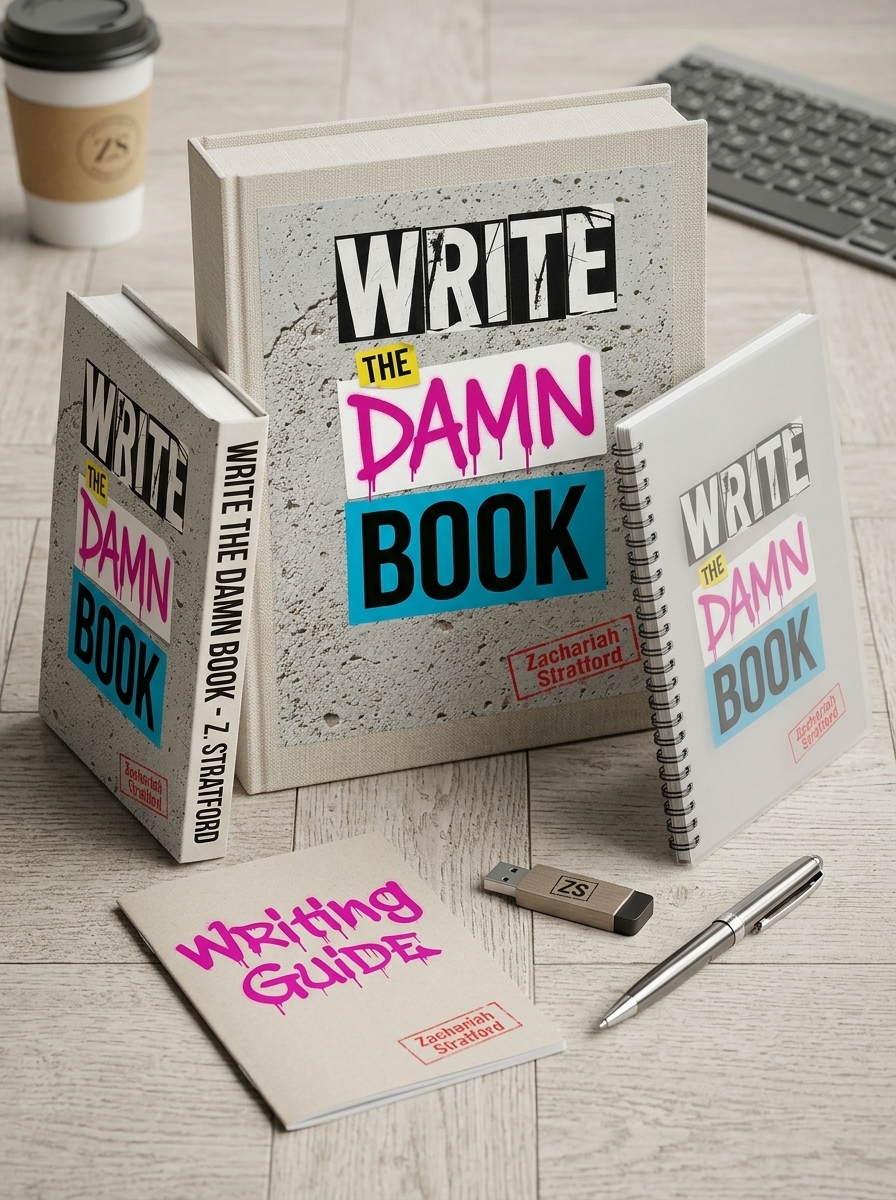
- Generate all five render types in one pass. You want hardcover, paperback, e-reader, standard boxset, and course boxset all from the same session. You'll use all of them: boxset for ads, e-reader for email, hardcover for your Amazon page, paperback for social proof screenshots.
- Download and deploy by platform. Amazon author page gets the boxset render front-and-center. Instagram and TikTok ads perform best with the boxset against a clean white background. Landing pages can use the full set of five as a visual strip that builds authority.
Standard Boxset vs. Course Package Boxset: Which One Do You Need?
This distinction matters more than most authors realize. The standard boxset render shows your books stacked as a classic physical bundle — the kind you'd see on a Barnes & Noble endcap. It's the right choice when you're selling a fiction series, a memoir trilogy, or a narrative non-fiction collection where the books are read sequentially.
The course package boxset is a different visual entirely. It frames your bundle as a system or program — the kind of image you see in online courses or expert-positioning offers. If you're a business author, a coach, or someone selling a methodology across multiple books, the course package mockup signals "this is a complete transformation, not just reading material." It performs differently in ads and on sales pages because it speaks to buyers who are already outcome-oriented.
The honest answer: generate both. They're different enough visually that you'll want to A/B test them in your ads before committing your budget to one format.
How AuthorWizard Generates Your 3D Boxset Mockup in Seconds
AuthorWizard's 3D Book Rendering Studio produces five photorealistic renders from your cover in one session — no 3D software, no Photoshop, no waiting three days for a freelancer. The five outputs are: Hardcover, Paperback, E-Reader/Kindle device mockup, Standard Boxset, and Course Package Boxset.
Every render comes out at 300 DPI — the resolution Amazon KDP and Facebook/Instagram ad platforms actually require. The boxset renders show your cover art wrapped around the full object geometry with realistic lighting, depth, and shadow. They're not Canva mockup templates. They're photorealistic 3D assets built from your specific cover design.
The entire process takes a few seconds after you upload your cover. Compare that to $300–$800 at a professional mockup studio, and a 48–72 hour turnaround before you even get a first draft back.
If you haven't designed your cover yet, AuthorWizard's Cover Designer handles that too — pulling real bestselling covers in your category, analyzing their color psychology and typography, and producing a full print-ready wrap (front, spine, and back) at 300 DPI with 0.125-inch bleed. Once your cover is done, the 3D renders are one click away.
Where to Use Your Boxset Mockup After You Generate It
Getting the render is step one. Deploying it strategically is what actually moves units. Here's where your boxset 3D mockup does the most work:
- Amazon Author Central. Your author page is real estate most authors waste. A polished boxset render at the top tells visitors immediately that you have a series worth buying into.
- Facebook and Instagram ads. The boxset image paired with a "Complete Series" or "Books 1–3" headline outperforms single-cover ads for series readers because it shows the full scope of what they're getting.
- Landing pages and book sales pages. Drop all five renders as a visual strip below the fold. It builds the kind of visual authority that makes a price point feel justified.
- Email campaigns. The e-reader mockup in a launch email shows your book on a Kindle device — which triggers association for existing Kindle readers. The boxset render works in promotional emails where you're positioning the bundle as the premium option.
- Social media organic posts. A single high-quality boxset render gets shared more than a flat cover image. It looks like something worth reposting because it looks expensive.
- Press kits and media outreach. Journalists and podcast hosts respond better to authors who show up with professional assets. A photorealistic boxset mockup in your media kit signals that you take your work seriously.
The One Mistake Authors Make With Boxset Mockups
They generate the mockup and stop there.
A 3D boxset render sitting in a folder does nothing. The authors who actually sell their series bundles are the ones who build the render into every asset they publish: the ad creative, the landing page hero image, the email header, the Amazon storefront banner. When a potential reader sees the same polished boxset image across your ads, your page, and your social profiles, it creates the kind of consistent visual brand that makes them trust the purchase.
Five renders from one session, deployed across every surface where your readers might find you — that's how a mockup actually earns its keep.
Get 5 Photorealistic 3D Book Mockups — Instantly
Hardcover, paperback, e-reader, boxset, course boxset — AuthorWizard generates all 5 in seconds from your cover. Ready to drop into your ads, landing page, and Amazon author page.
Try the 3D Mockup Studio Free →