You can absolutely make money writing books online in 2026 — but most of the advice floating around is either outdated, oversimplified, or written by someone who has never actually published a book. The real answer involves three things working together: a professionally formatted book, a credible cover, and a distribution strategy that puts royalty income on autopilot. Get all three right, and self-publishing generates real, recurring income. Get one wrong, and even a brilliant book dies on page two of Amazon search results.
Here's a practical breakdown of what actually works this year — no fluff, no vague "build your audience" advice.
Why Non-Fiction Is the Fastest Path to Book Income
Fiction is a long game. Non-fiction pays faster because readers buy it to solve a specific problem — and they're searching for that solution right now on Amazon, Google, and YouTube. A well-positioned non-fiction book in a hungry niche can generate $500–$3,000 per month in passive KDP royalties alone, without a single marketing campaign.
The key word is "positioned." Your book has to show up in the right Amazon browse categories and rank for the right KDP search keywords. That's not guesswork — it's researchable. Tools that pull real New York Times Bestseller List data and cross-reference Amazon category performance give you a concrete starting point, not a hunch.
The other reason non-fiction wins in 2026: readers trust authors who go deep on one topic. A 35,000-word book on a specific business skill, health outcome, or career transition outperforms a generic "everything guide" every single time. Specificity converts.
The Income Streams That Actually Pay in 2026
Most authors treat book sales as the only revenue stream. That's leaving serious money on the table. Here's how the math actually works for a non-fiction author in 2026:
- KDP Royalties (print + Kindle): Amazon pays 35–70% royalties depending on pricing and format. A $14.99 paperback at 70% = roughly $10.49 per sale. Sell 200 copies a month and that's $2,098 in passive income.
- Lead generation: A book is the highest-converting lead magnet ever invented. Coaches, consultants, and course creators routinely report that book buyers convert to $1,000–$10,000 offers at 3–5x the rate of cold email subscribers.
- Bulk sales: Corporate buyers, event organizers, and associations buy books in bulk — 50 to 500 copies at a time — when a book solves a relevant professional problem. One bulk order can equal months of retail sales.
- Speaking and licensing: A published book positions you as the authority. Speaking fees for first-time authors range from $2,500 to $10,000 per engagement. The book is your credential.
- Expanded formats: Audiobooks on ACX, Audible-exclusive deals, and international rights add streams that run entirely in the background once set up.
The authors who make serious money online don't think of their book as a product. They think of it as infrastructure.
The Production Bottleneck Most Authors Never Solve
Here's where most aspiring authors stall: the book is written, but it looks unprofessional. The formatting is off. The interior layout looks like a Word document. Amazon rejects the PDF. The cover looks like clip art from 2009. These aren't small problems — they're the difference between a book that sells and one that gets returned.
Traditional production costs are brutal. A professional interior formatter charges $200–$500. A cover designer charges $400–$2,000 for a full wrap. A ghostwriter runs $25,000–$48,000. A developmental editor costs $2,000–$8,000. Most first-time authors either can't afford this stack or hire the wrong people and still end up with a subpar product.
This is the exact problem that's been solved in 2026 by AI-native publishing tools — specifically for the formatting step, which is where most self-published books fail KDP's technical requirements.
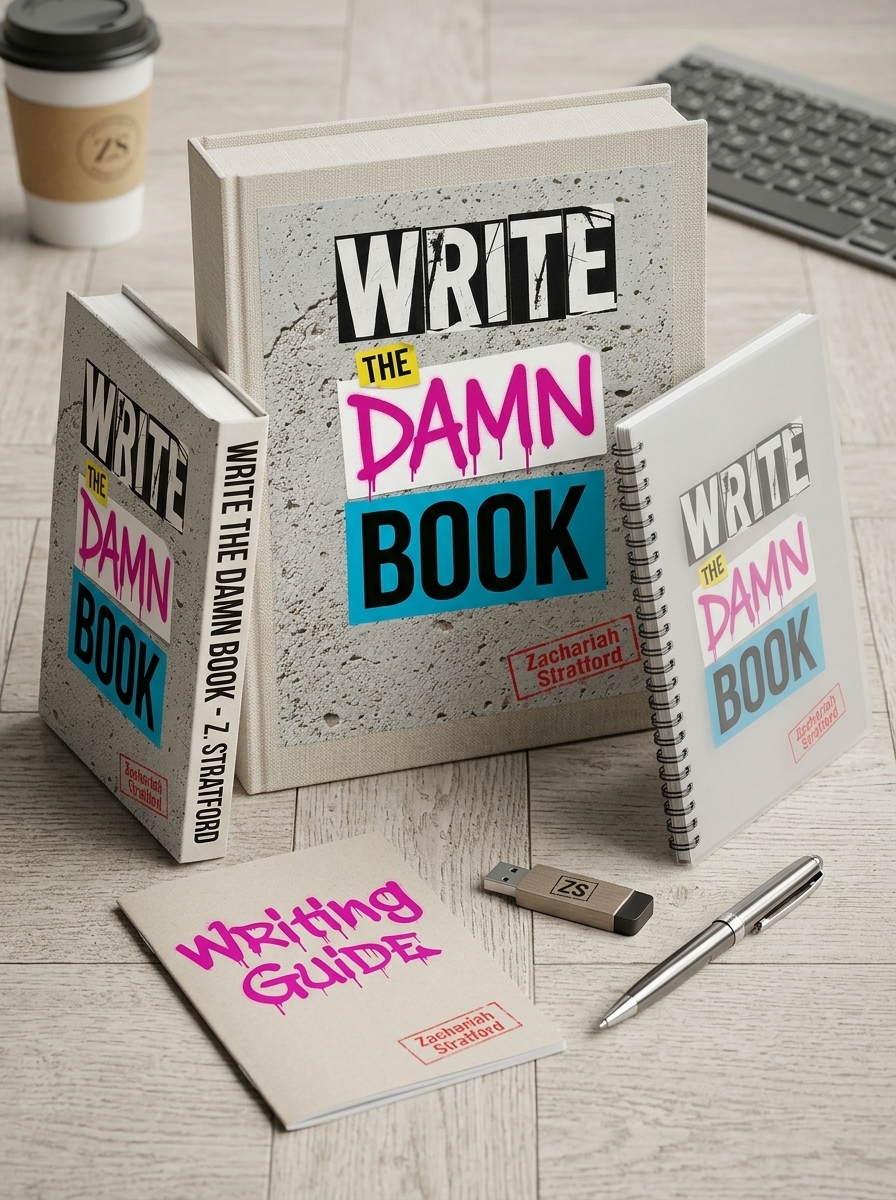
How to Format a Book for Amazon KDP: Step-by-Step
- Choose your trim size. The most common non-fiction trim sizes are 6"×9" and 5.5"×8.5". KDP requires you to match your interior PDF and cover wrap to the same trim size exactly.
- Set your margins correctly. Interior margins must account for gutter (binding) space — typically 0.75"–1" on the inside depending on page count.
- Embed all fonts. KDP rejects PDFs with non-embedded fonts. Use a publishing-grade PDF export (not "Save as PDF" from Word) to guarantee font embedding.
- Add bleed to your cover. Covers require 0.125" bleed on all sides. Your spine width auto-calculates from page count: 0.002252 inches per page on white paper, 0.0025 inches per page on cream.
- Export as PDF/X. KDP's print requirements specify PDF/X format, 300 DPI resolution, with proper safe zones enforced. A standard Word export does not meet this standard.
- Validate before upload. Use KDP's previewer to check for widows, orphans, and chapter-start recto/verso alignment before going live.
How AuthorWizard's Formatting Studio Handles This for You
AuthorWizard's Formatting Studio replaces the $200–$500 professional formatter — and does things a human formatter can't do in a reasonable timeframe.
After your manuscript is written, the Formatting Studio reads your actual text and cover art, then runs an Auto-Design pass that picks a full interior style based on your content and interview answers. You don't make aesthetic guesses. The AI reads what you actually wrote and designs accordingly.
The "Draw Ornament" feature generates 5 custom AI-drawn chapter-opener ornament candidates — derived from your own text and cover art, not generic stock decorations. Every ornament is independently regenerable until it's exactly right. The system also uses a 14-scaffold decorative system called "Showstopper Scaffolds" that reads each chapter's actual content and generates a per-chapter visual theme.
The Formatting Inspector panel lets you click any element on the page, inspect it, and edit its properties directly. View your layout in single-page, two-page spread, or e-reader preview mode before you export anything.
The export is publishing-grade. The Formatting Studio uses a Puppeteer + Paged.js server-side render — not "Save as PDF" — which produces a true PDF/X file with embedded fonts, professional pagination, drop caps, and correct widow/orphan handling. It exports in Print-Ready PDF, EPUB 3, and Word (.docx), covering every format Amazon KDP and distribution platforms accept.
Supported trim sizes include 6"×9", 5.5"×8.5", 8.5"×11", and all major KDP sizes. You're not guessing at technical requirements — the system enforces them before the file ever leaves the platform.

Pricing Your Book to Maximize Income
Pricing is where a lot of authors leave money on the shelf. Here's what the data shows actually works in 2026:
- Kindle pricing sweet spot: $9.99 hits the 70% royalty threshold and performs better than $2.99 for perceived authority. Price below $2.99 and you drop to 35% royalties.
- Paperback pricing: Calculate your KDP print cost first (varies by page count and trim size), then price at 2.5–3x that number. A 250-page 6"×9" paperback costs roughly $4.45 to print — price it at $14.99 to $16.99.
- Hardcover premium: Hardcovers signal authority and justify $24.99–$34.99. If your audience is corporate or professional, hardcover often outsells paperback at a significantly higher margin.
- Free Kindle promotions: Running a 5-day KDP Select free promotion every 90 days spikes your also-bought algorithm rankings. Authors routinely report 200–800 downloads in a single promotion window, followed by a 30–60 day organic sales lift.
Marketing Your Book Without a Budget
The most effective zero-cost marketing in 2026 still comes from Amazon's own algorithm. A book with 20+ verified reviews and a correctly chosen browse category starts ranking organically for its KDP keywords within 30–90 days. That's why the 7 real KDP search keywords in your Market Intelligence Report matter — they're the difference between a book Amazon surfaces and one it ignores.
Beyond the algorithm, the highest-ROI moves for new non-fiction authors are:
- Reader community targeting: Identify the 2–3 Facebook groups, subreddits, or LinkedIn communities where your exact reader spends time. A genuine post with your book's hook — not a spam link — regularly generates 50–200 sales in the first week at zero ad spend.
- Short-form video: A 15-second vertical video holding your book cover, naming the specific problem your reader has, converts at a dramatically higher rate than any static post. AuthorWizard generates AI author videos in exactly this format — a structured 5-beat direct-response script (Hook → Problem → Transformation → Proof → CTA) delivered by a video of you holding your real book cover, no camera required.
- Email list leverage: If you have any list at all — even 200 people — a launch email sequence to your existing subscribers drives enough early sales to trigger Amazon's "Hot New Release" badge, which is itself a ranking signal.
The non-fiction authors making $2,000–$10,000 per month from books in 2026 aren't spending $5,000 on ads in month one. They're combining a correctly formatted, correctly categorized, professionally produced book with targeted community posting and short-form video — and letting Amazon's algorithm do the compounding work over 6–12 months.
The single biggest mistake? Spending months writing a great book and then shipping it with a Word-exported interior PDF and a DIY cover. Amazon rejects the PDF or the book looks unprofessional in the previewer, the launch stalls, and momentum dies. Professional formatting isn't optional — it's the infrastructure your income is built on.
Export a Print-Ready PDF in Minutes
AuthorWizard's Formatting Studio lays out your interior with professional typography — then exports a PDF/X file with embedded fonts that Amazon KDP accepts without rejection.
Try the Formatting Studio Free →