Amazon A+ Content Book Images: Mastering Mockup Sizes and Specs in 2026
By Zachariah Stratford
Creating compelling Amazon A+ Content is a non-negotiable for non-fiction authors in 2026. This enhanced content allows you to tell your book's story beyond the basic product description, directly impacting sales. A critical component of highly effective A+ Content is the strategic use of book images, particularly photorealistic mockups that showcase your book in various engaging formats. Understanding the precise sizes and specifications for these *amazon a plus content book images* is paramount to ensuring your visuals look sharp, professional, and ultimately, convert browsers into buyers.
Amazon specifies exact image dimensions for A+ modules to ensure optimal display across devices. While many module types exist, the most common and impactful for displaying book mockups are those that allow for full-width or large visual elements. We’ll break down the essential dimensions, formats, and best practices to make your book stand out.
Why Amazon A+ Content Book Images Matter for Non-Fiction Authors
Amazon A+ Content provides a powerful opportunity to deepen a reader's understanding of your non-fiction book's value. It's a chance to visually reinforce your message, highlight key takeaways, and establish your authority. Generic flat cover images simply don't cut it anymore. High-quality book mockups, especially 3D renderings, elevate your presentation, making your book feel tangible and desirable to potential readers.
Consider this: a potential reader is scrolling through search results. A compelling 3D mockup of your book, perhaps even as part of a bundle or course, conveys professionalism and signals that your book is a premium product. This visual appeal, combined with well-structured text, drastically increases the likelihood of a sale. Authors who neglect A+ Content are leaving significant sales on the table, often thousands of dollars over a book's lifetime.
Essential Amazon A+ Content Image Sizes for 2026
Amazon offers a variety of A+ Content module types, each with its own image specifications. While the platform provides flexibility, non-fiction authors primarily benefit from modules that highlight the book itself, key concepts, or author credentials. For *amazon a plus content book images*, focusing on hero modules and comparison charts is particularly effective for mockups.
Hardcover 3D mockup sized for Amazon A+ content
Key A+ Content Image Dimensions for Book Mockups
To ensure your book mockups display perfectly, adhere to these common Amazon A+ Content image sizes in 2026:
Standard Image Header with Text: 970px × 300px. Ideal for a wide banner showcasing your 3D book mockup alongside a compelling tagline.
Standard Image and Text: 300px × 300px. Perfect for square mockups of your book, perhaps highlighting a specific edition or feature.
Four-Image & Text Grid: 220px × 220px per image. Use this for a series of small mockups, perhaps demonstrating different book formats or a book alongside related merchandise.
Image Carousel (Module 5): 600px × 180px for the primary image, with up to 8 images per carousel. Great for displaying multiple angles or formats of your 3D mockup.
Hero Image with Text: 1464px × 600px. This is your prime real estate for a large, impactful 3D book mockup that immediately grabs attention.
Comparison Chart Images: 150px × 150px. If your book is part of a series or you’re comparing editions, small, clear mockups fit here.
Amazon prefers JPG or PNG formats for all images. Ensure your files are under 2MB for optimal loading speed and that they are saved at 72 dpi for web use. Maintain an RGB color profile for consistent display across screens.
Beyond Dimensions: Optimizing Your Book Mockups
Simply hitting the right dimensions isn't enough. The quality and content of your *amazon a plus content book images* are just as important. Here’s how to optimize your book mockups for maximum impact:
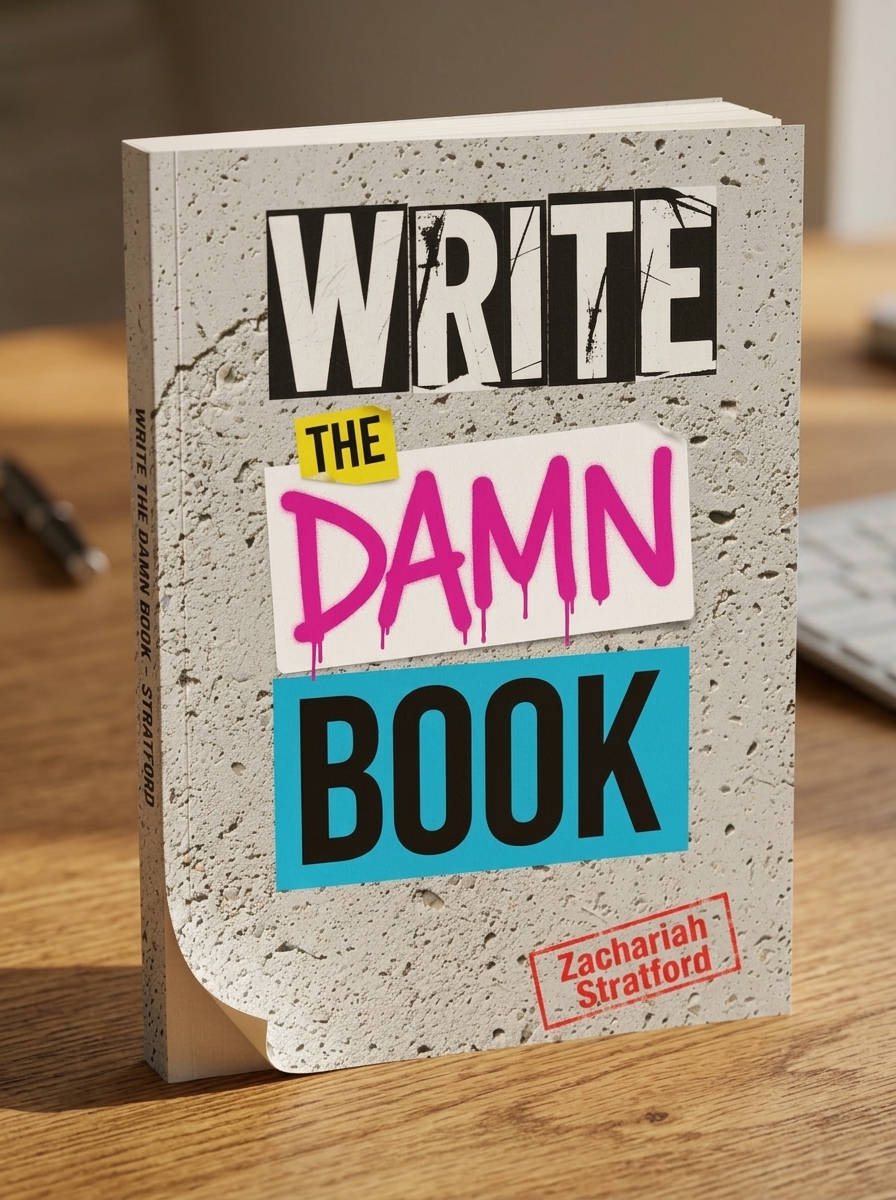
Paperback 3D mockup sized for Amazon A+ content
High Resolution is Non-Negotiable
Even if the final displayed size is small, start with high-resolution source images. When Amazon resizes your image, it will look much cleaner if it originated from a large, crisp file. Aim for at least 300 DPI for your source mockups before resizing for A+ Content. Blurry or pixelated images scream amateur, eroding trust and perceived value.
Showcase All Formats with 3D Mockups
Don't just show a flat paperback cover. Utilize 3D mockups to display your book as a hardcover, paperback, and even an e-reader device. If you offer a course or a bundle, include a mockup of that too. This gives potential readers a tangible sense of what they're getting and reinforces the professional presentation of your work. Seeing the book in various forms creates a more immersive and desirable experience.
Kindle e-reader mockup for an Amazon A+ content module
Strategic Composition and Context
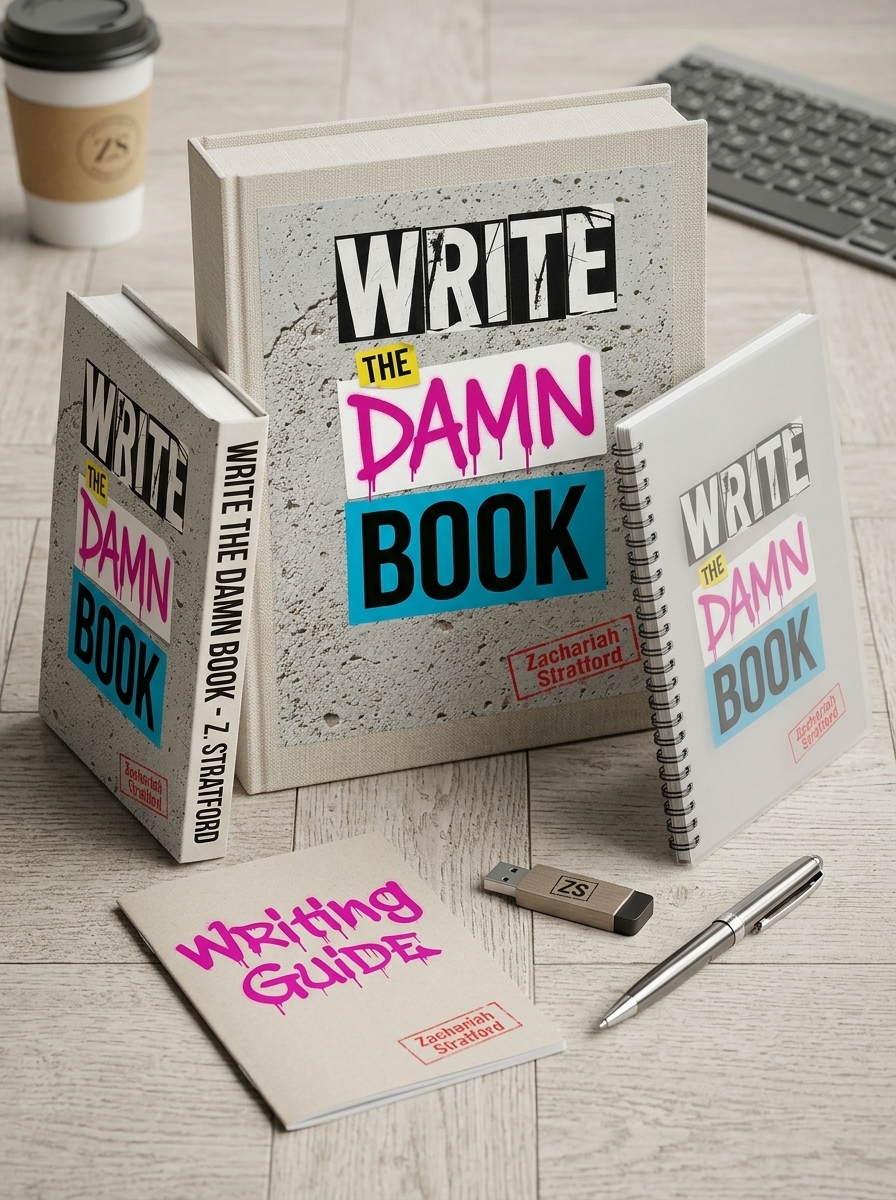
Think about the environment your book is in. A mockup of your non-fiction book on a clean desk with a pen and a coffee cup can imply productivity and serious study. A book mockup nested within a "course package" graphic immediately communicates added value. Contextualize your book mockups to tell a mini-story about your book's utility and appeal. This can boost engagement by up to 30% compared to isolated images.
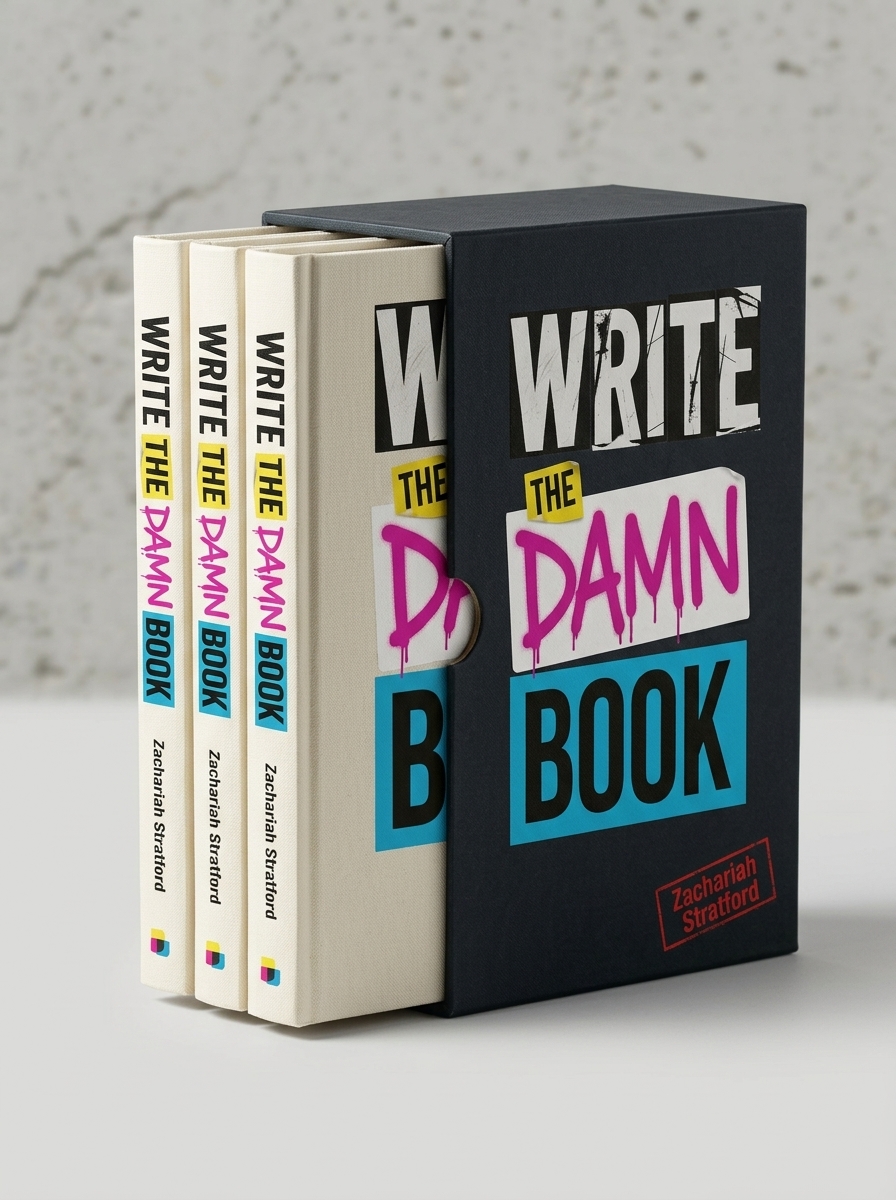
Boxset mockup for an Amazon A+ content comparison module
Consistency in Branding
Ensure your mockups, fonts, and colors align with your book cover and overall author brand. This creates a cohesive and professional appearance across all your marketing channels, including your Amazon product page. Disjointed visuals can confuse readers and undermine your author credibility.
Generating Professional 3D Mockups with AuthorWizard.app
Creating high-quality *amazon a plus content book images* and 3D mockups that meet Amazon's specifications can be a time-consuming and expensive process. Traditional graphic designers might charge anywhere from $300–$800 for a set of professional 3D mockups and launch assets. However, AuthorWizard.app streamlines this entire process, integrating it directly into your book creation workflow.
AuthorWizard’s **3D Book Rendering Studio** generates five photorealistic 3D renderings of your book in seconds. You get a hardcover, paperback, e-reader/Kindle device mockup, a standard boxset, and even a course package boxset. These are all ready for immediate use in your Amazon A+ Content, social media ads, and landing pages. The platform handles the technical aspects like resolution and ensuring your cover art is perfectly rendered onto the 3D models, saving you countless hours and thousands of dollars. It's an included feature, so you don't pay extra for this valuable marketing asset.
Course boxset mockup for an Amazon A+ content module
Uploading Your Mockups to Amazon A+ Content
Once you have your perfectly sized and optimized *amazon a plus content book images*, uploading them to Amazon is a straightforward process:
Log in to your KDP Account: Navigate to the 'Marketing' tab.
Start Creating A+ Content: Click 'Start creating A+ Content' or select an existing project to edit.
Choose Your Modules: Amazon provides a gallery of modules. Select the ones that best fit your content strategy and the mockups you've created. For mockups, 'Standard Image Header with Text,' 'Standard Image and Text,' and 'Hero Image with Text' are excellent choices.
Upload Images: Click on the image placeholder within your chosen module. Upload your pre-sized and optimized book mockups. Remember to add descriptive alt text for accessibility and SEO benefits.
Add Text and Review: Incorporate compelling text that complements your mockups, highlighting key benefits or features of your book. Review your entire A+ Content carefully before submitting it for approval. Amazon typically approves content within 7 business days, though it can be faster.
Paying close attention to these details ensures your *amazon a plus content book images* contribute significantly to your book's discoverability and sales. Don't underestimate the power of professional visuals in a highly competitive marketplace. In 2026, an amateur presentation is simply not an option for serious non-fiction authors. Leveraging tools like AuthorWizard to create high-quality 3D mockups efficiently gives you a critical edge.
Get 5 Photorealistic 3D Book Mockups — Instantly
Hardcover, paperback, e-reader, boxset, course boxset — AuthorWizard generates all 5 in seconds from your cover. Ready to drop into your ads, landing page, and Amazon author page.