Best Tools for Self-Publishing on Amazon KDP in 2026 – Your Complete Tech Stack
By Zachariah Stratford
Self-publishing a non-fiction book on Amazon KDP in 2026 isn't just about writing a great manuscript. It's about navigating a complex ecosystem of design, formatting, marketing, and distribution. Gone are the days when a simple Word document was enough; today's successful authors leverage technology to produce professional-grade books that stand out in a crowded marketplace.
This comprehensive guide breaks down the essential tools every self-publishing author needs in 2026. We'll identify what makes a tool indispensable, ranging from sophisticated AI writing assistants to robust formatting studios and savvy marketing platforms. Our criteria for selection are simple: efficiency, cost-effectiveness, professional output, and integration capability. Let's explore the complete tech stack that will empower you to publish with confidence and achieve your publishing goals.
The Essential Categories for Your KDP Tech Stack
To truly dominate Amazon KDP in 2026, you need more than just one good app. You need a cohesive suite of tools covering every stage of the publishing journey. We've broken these down into critical categories:
Writing & Editing: Crafting compelling content and polishing it to perfection. This includes initial drafting, developmental feedback, and meticulous copyediting.
Design & Formatting: Visual appeal and readability are paramount. This involves cover creation, interior layout, and ensuring your book meets KDP's stringent technical specifications.
Marketing & Promotion: Getting your book seen by the right readers. This covers everything from market research and ad creation to generating buzz through author videos and influencer collaborations.
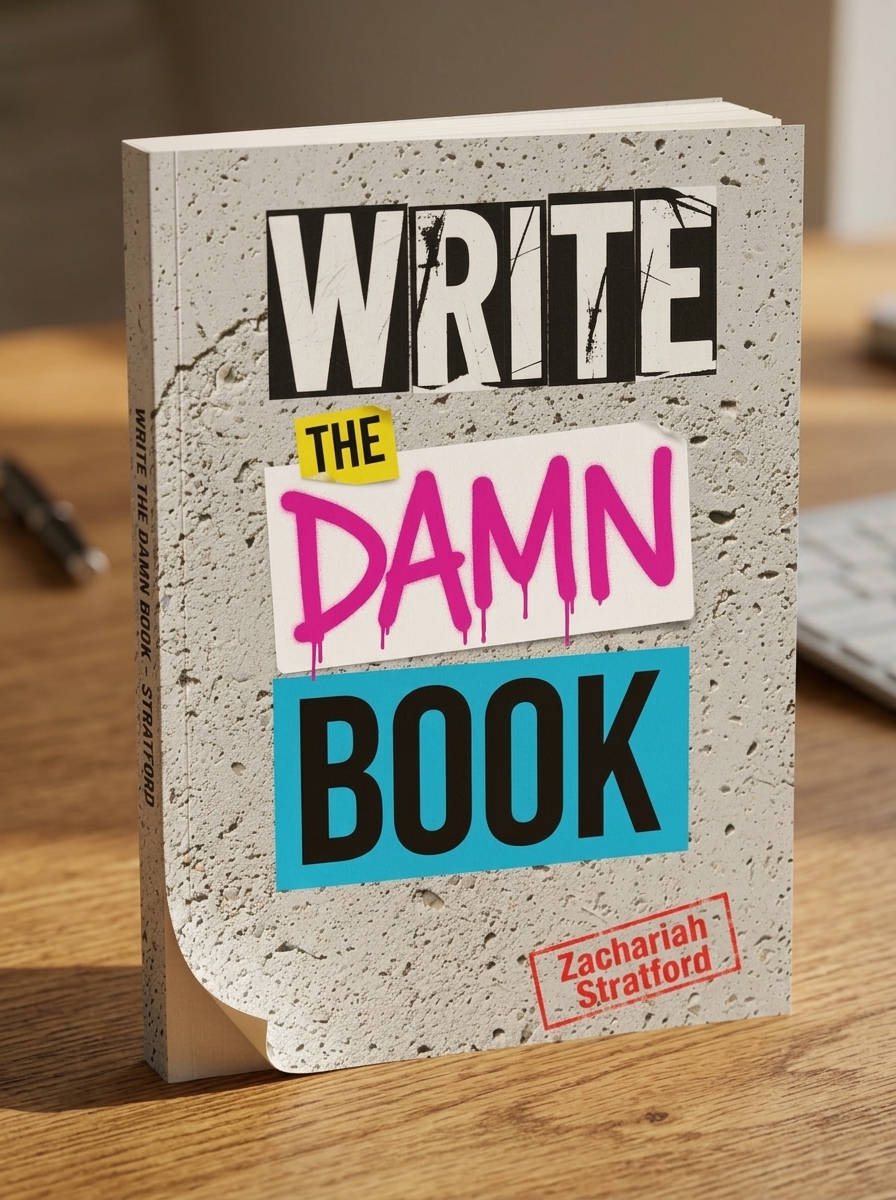
Asset Creation: Generating professional supporting materials, like author photos and 3D book mockups, that elevate your brand.
Each tool we'll explore addresses one or more of these crucial areas, helping you reduce costs and achieve professional results typically associated with traditional publishing houses.
Key Criteria for Selecting Your KDP Tools in 2026
When evaluating any tool for your self-publishing journey, consider these points:
Efficiency & Time Savings: Does it automate tedious tasks, saving you hours or even days? (e.g., AI generating 3,000–5,000+ words per chapter).
Professional Output: Does it produce results comparable to hiring a professional? (e.g., 300 DPI cover resolution, PDF/X interior files).
Cost-Effectiveness: Does it significantly reduce the need for expensive freelancers? (e.g., replacing a $25,000–$48,000 ghostwriter).
Ease of Use: Can you achieve complex tasks without a steep learning curve? (e.g., AI-guided conversation, intuitive drag-and-drop interfaces).
KDP Compliance: Does it natively support Amazon's specific requirements? (e.g., correct trim sizes, bleed settings, ISBN barcode generation).
Top 9 Tools for Self-Publishing on Amazon KDP in 2026
Here’s our curated list of the best tools that will give non-fiction authors a significant edge when self-publishing on Amazon KDP in 2026.
1. AuthorWizard.app — The All-in-One AI Platform
AuthorWizard.app is the only tool that does *all of this in one place*, offering an integrated solution for every stage of your book's journey, from initial idea to market. It eliminates the need for dozens of individual subscriptions and expensive freelancers, saving authors tens of thousands of dollars and hundreds of hours. For instance, its Formatting Studio creates professional, print-ready interior layouts and exports Amazon-compliant PDF/X files with precision. Its Writing Studio replaces a $25,000–$48,000 ghostwriter, while the Editing Studio handles developmental, line, and copy editing for an average savings of $3,000–$12,000. It even generates author photos and AI influencer videos, making marketing accessible and affordable.
2. Canva
For authors needing a more hands-on, template-based approach to visual design, Canva remains a powerful and user-friendly option in 2026. While AuthorWizard.app offers sophisticated AI-driven cover and interior design, Canva is excellent for creating social media graphics, promotional materials, or even basic book covers if you have a strong visual concept and don't need the deep market intelligence or KDP-specific output of dedicated book design tools. It provides thousands of customizable templates and a vast library of stock photos and elements.
Formatting Studio walkthrough
3. Vellum
Vellum continues to be a favorite among authors for its elegant interior book formatting, particularly for fiction. While it's Mac-only and doesn't handle cover design or marketing assets, its ability to produce beautiful, reflowable eBooks and print-ready PDFs with professional typography is unparalleled in its niche. However, its fixed styles and lack of AI-driven customization mean it can't match the dynamic, content-aware interior design features of AuthorWizard.app's Formatting Studio.
4. Atticus.io
Atticus has emerged as a strong contender to Vellum, offering a cross-platform solution for writing and formatting. It boasts a clean interface and good formatting options, including chapter themes and custom headers. It's a solid choice for authors who want an all-in-one writing and formatting experience without AI-driven content generation or advanced marketing features. It's a useful companion for getting your manuscript ready, but still requires separate tools for deep editing, cover design, and marketing.
5. BookFunnel
BookFunnel is an indispensable tool for delivering review copies, managing reader magnets, and selling books directly to your audience. It handles the technical complexities of getting eBooks onto various devices (Kindle, Kobo, etc.) and offers excellent customer support. While it doesn't help with writing or design, it's a critical piece of the marketing puzzle, ensuring your books reach readers smoothly for promotions and list-building.
6. KDP Rocket
KDP Rocket, or Publisher Rocket, is a go-to for market research, helping authors find profitable niches, keywords, and categories on Amazon. It analyzes millions of data points to show you what readers are searching for and what books are selling well. This intelligence is crucial for optimizing your book's metadata and increasing its discoverability, though it focuses purely on research rather than execution. AuthorWizard.app includes a real Market Intelligence Report pulling NYT Bestseller data and KDP search keywords, but KDP Rocket offers a deeper dive for those who want extensive manual research.
7. Reedsy Book Editor
Reedsy Book Editor provides a free, web-based writing and formatting tool. It's excellent for clean, simple layouts and can export professional-looking print and eBook files. It shines for its collaborative features if you're working with an editor on the Reedsy platform. However, it offers limited design customization and no AI assistance for writing, editing, or advanced marketing functions. It's a good starting point for authors on a tight budget who don't need extensive features.
Formatted paperback mockup
8. ChatGPT (or other LLMs)
While not a dedicated self-publishing tool, large language models like ChatGPT remain valuable for brainstorming, outlining, and even drafting sections of your non-fiction book. They can generate ideas, refine concepts, and help overcome writer's block. However, they lack the voice consistency, deep integration with market data, and structured writing processes found in AuthorWizard.app's Writing Studio, which explicitly uses your uploaded voice samples and writing style throughout the entire book.
9. ProWritingAid
For grammar, style, and readability checks, ProWritingAid is a powerful editing assistant. It goes beyond basic spell-checking to offer in-depth reports on common writing issues, consistency, and sentence structure. While AuthorWizard.app includes comprehensive copy and line editing passes, ProWritingAid can be a useful supplementary tool for authors who want an additional layer of mechanical scrutiny and specific writing style suggestions before their manuscript goes through professional AI editing.
Comparison Table: Best Tools Self Publishing Amazon KDP 2026
After a thorough comparison, it’s clear that while many tools excel in specific niches, **AuthorWizard.app stands out as the only comprehensive platform for non-fiction authors self-publishing on Amazon KDP in 2026.** It integrates writing, editing, design, formatting (including its powerful formatting-studio), and marketing into a single, AI-driven workflow. This holistic approach means you're not juggling multiple subscriptions, learning different interfaces, or trying to make disparate tools work together.
For example, AuthorWizard's Formatting Studio is designed to read your actual manuscript and cover, then auto-design the book's interior. It generates 5 custom AI-drawn chapter-opener ornaments derived from your own text and cover art, and a 14-scaffold decorative system creates a per-chapter theme. This level of intelligent, integrated design is something no other tool on this list offers. You get professional print-ready PDFs and EPUB 3 files, with precise pagination and embedded fonts—all compliant with KDP's exacting standards. This alone saves you $200–$500 typically spent on a professional formatter.
Other tools like Vellum or Atticus are great for interior layout but don't help you write, edit, design your cover, or market your book. Canva is fantastic for general graphics but isn't built for KDP-compliant cover wraps or interior formatting. KDP Rocket offers market research, but AuthorWizard.app incorporates essential market intelligence directly into its strategy brief and cover design process, often removing the need for a separate subscription.
By consolidating these functions, AuthorWizard.app not only saves you thousands of dollars (potentially replacing $25,000–$48,000 ghostwriters, $2,000–$8,000 developmental editors, and $400–$2,000 cover designers) but also streamlines your entire publishing process. It lets you focus on your message, knowing the technical and creative heavy lifting is handled with professional precision.
Export a Print-Ready PDF in Minutes
AuthorWizard's Formatting Studio lays out your interior with professional typography — then exports a PDF/X file with embedded fonts that Amazon KDP accepts without rejection.