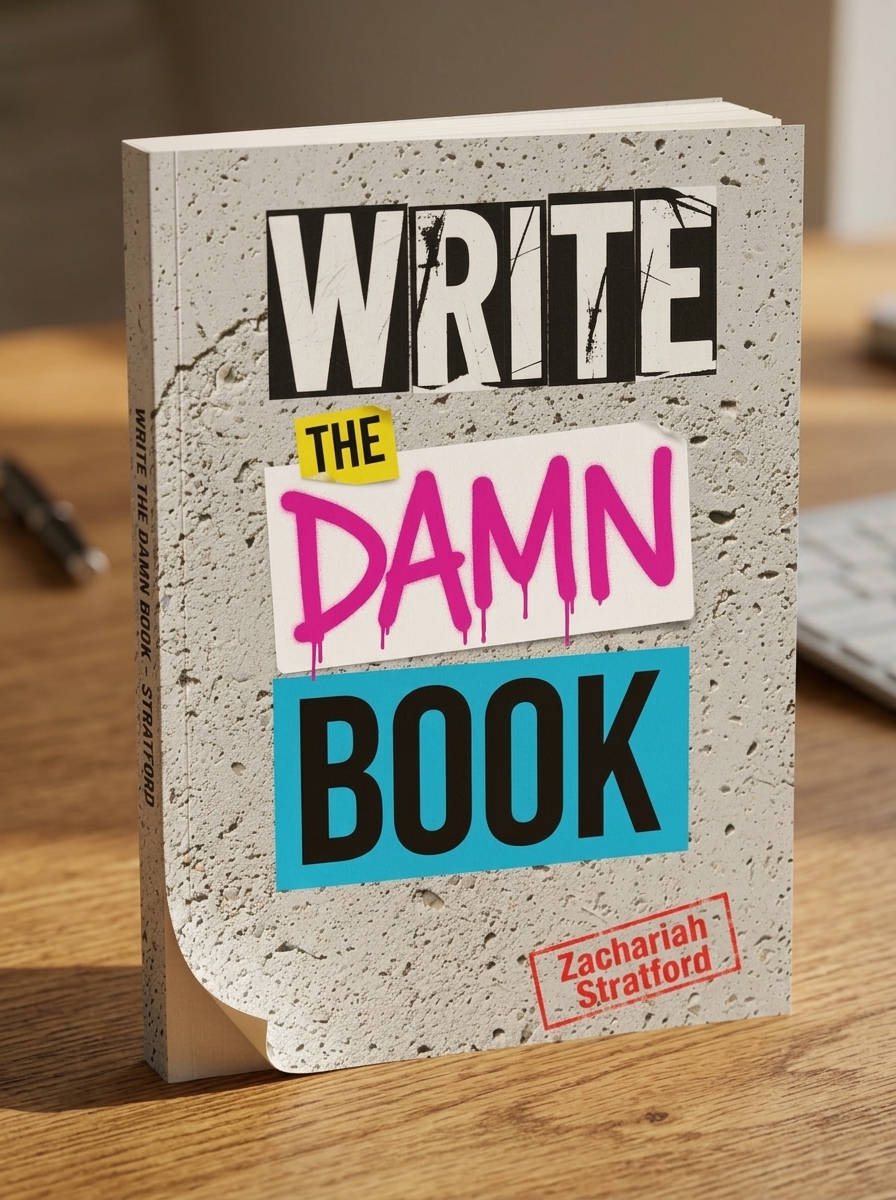
How to Publish a Book on Amazon KDP in 2026: Your Complete Step-by-Step Guide
By Zachariah Stratford
Ready to share your non-fiction insights with the world? Publishing on Amazon KDP (Kindle Direct Publishing) offers an incredible avenue to reach millions of readers. However, navigating the platform and preparing your book to meet their strict specifications can feel overwhelming. This guide breaks down every crucial step to successfully publish your book on Amazon KDP in 2026, ensuring your manuscript transforms into a professional-quality book that stands out.
Step 1: Prepare Your Manuscript for Publication
Before you even touch KDP, your manuscript needs to be polished. This isn't just about finishing the writing; it's about making it publication-ready.
Editing is Non-Negotiable
First, ensure your book has undergone rigorous editing. A professional edit makes a world of difference in reader perception and your book's credibility. Think about developmental editing ($2,000–$8,000), which focuses on structure and content, and then line/copy editing ($1,000–$4,000) for grammar, clarity, and consistency. Skipping this step often leads to negative reviews and poor sales.
Proofread One Last Time
Even after professional editing, a final proofread is essential. Fresh eyes often catch lingering typos or formatting glitches. Consider reading it aloud or using text-to-speech software to identify awkward phrasing. This seemingly small step can prevent major headaches later.
Step 2: Design a Compelling Book Cover
Your book cover is your most important marketing tool, often dictating whether a reader clicks to learn more. It needs to be professional, genre-appropriate, and visually striking.
Understand KDP Cover Requirements
Amazon KDP has specific technical requirements for covers: 300 DPI resolution, a 0.125-inch bleed on all sides, and spine width auto-calculated from your page count (e.g., white paper: 0.002252 in/page, cream: 0.0025 in/page). Supported trim sizes include 5"×8", 5.5"×8.5", 6"×9", 6.14"×9.21", 7"×10", and 8.5"×11". Your cover needs to be a full wrap PDF (front, spine, and back as one file). Professional cover design typically costs $400–$2,000.
The Formatting Studio producing a print-ready KDP interior from the manuscript
Elements of a Strong Cover
Your cover should instantly communicate your book's genre and main topic. It needs a clear, legible title and author name. The back cover must include a compelling blurb, an author bio, and an author photo. A professional-looking ISBN barcode is also crucial for print books. High-quality imagery and thoughtful typography are paramount.
Step 3: Format Your Interior for Print and Ebook
Proper interior formatting is critical for a professional-looking book. This ensures readability and meets Amazon's technical specifications for both print and digital versions.
Key Interior Formatting Elements for KDP
To publish a book on Amazon KDP, your interior must adhere to several key formatting standards:
Professional Pagination: This includes correct page numbering, proper handling of widows and orphans (single lines separated from their paragraphs), and ensuring chapters start on a recto (right-hand) page.
Embedded Fonts: All fonts used in your manuscript must be embedded in the final PDF file to ensure consistent display across all devices and printers.
Print-Ready PDF/X Format: Amazon KDP requires your print book interior to be uploaded as a high-quality, print-ready PDF/X file. This specialized format guarantees color accuracy and print integrity.
Appropriate Trim Sizes: Match your interior trim size to your chosen cover trim size. Common KDP sizes include 6"×9", 5.5"×8.5", and 8.5"×11".
Chapter Starts and Ornaments: Each new chapter should have a clear, visually appealing start, often with a drop cap or a decorative ornament.
Clear Headings and Subheadings: Consistent styling for H1, H2, H3, etc., improves readability and guides the reader through your content.
Table of Contents: For ebooks, a clickable table of contents is essential for navigation. For print, it needs to be clearly laid out with page numbers.
Hiring a professional formatter usually costs $200–$500 to ensure these details are handled correctly.
Ebook Formatting (EPUB)
For Kindle ebooks, you'll need an EPUB 3 file. This format is reflowable, meaning the text adjusts to different screen sizes and reader preferences. Avoid fixed-layout PDFs for most non-fiction ebooks, as they don't offer the flexibility readers expect.
The paperback edition KDP will print
Step 4: Set Up Your KDP Account and Book Details
With your book files ready, it's time to log into Amazon KDP and enter all the metadata.
Create a KDP Account
If you don't have one, setting up a KDP account is straightforward. You'll need your bank account information for royalty payments and tax information.
Enter Book Details
This is where you'll input all the descriptive information about your book:
Book Title and Subtitle: Ensure these match your cover exactly.
Author Name: Your pen name or real name.
Description (Blurb): A compelling summary that entices readers. Aim for 150–200 words.
Keywords: Crucial for discoverability. Choose 7 real KDP search keywords that readers would use to find your book.
Categories: Select up to two browse categories that best describe your book.
ISBN: For print books, you'll need an ISBN. KDP can provide a free one, or you can purchase your own. Ebooks don't strictly require an ISBN, but KDP assigns an ASIN (Amazon Standard Identification Number) automatically.
Upload Your Manuscript and Cover
Follow KDP's prompts to upload your formatted interior PDF (for print) or EPUB (for ebook), and your cover wrap PDF. Use the KDP previewer to check how your book looks on various devices and trim sizes. This step is critical; any errors here can lead to rejections or a poor reader experience. Double-check pagination, image placement, and font embedding.
The Kindle edition — the same book as an ebook listing
Step 5: Pricing and Publication
The final steps involve setting your price and hitting the publish button.
Set Your Price
Research similar books in your genre to determine a competitive price. For ebooks, KDP offers different royalty options (35% or 70%) depending on your price point and whether you enroll in Kindle Unlimited. For print books, KDP automatically calculates the printing cost, and you set your royalty based on the list price minus printing costs.
Enroll in KDP Select (Optional)
KDP Select is Amazon's exclusive program that allows your ebook to be part of Kindle Unlimited. In exchange for exclusivity, you can offer free promotions and Kindle Countdown Deals, often boosting visibility. Weigh the pros and cons for your specific book.
Publish Your Book
Once all details are entered, files are uploaded and approved, and pricing is set, click "Publish Your Paperback" and "Publish Your Kindle eBook." It typically takes 24–72 hours for your book to appear for sale on Amazon.
The hardcover edition, the third format KDP offers
Step 6: Post-Publication Marketing
Publishing is just the beginning. Effective marketing is what drives sales.
Build Your Author Platform
Establish an author website, create social media profiles, and start building an email list. Engage with your target reader communities mentioned in your market intelligence report.
Utilize Amazon Ads
KDP offers advertising options that can help your book gain visibility. Experiment with different ad types and target audiences. Many authors allocate around $1,500/month for ad research and creative.
Seek Reviews
Encourage readers to leave reviews. Positive reviews are vital social proof and directly impact your book's ranking and sales. Reach out to early readers, friends, and family.
Export a Print-Ready PDF in Minutes
AuthorWizard's Formatting Studio lays out your interior with professional typography — then exports a PDF/X file with embedded fonts that Amazon KDP accepts without rejection.