How to Create a Book Box Set Mockup in 2026 (Without Photoshop)
By Zachariah Stratford
Creating a professional book box set mockup is essential for non-fiction authors looking to promote their series effectively. These visual assets elevate your marketing, making your bundled books look polished and enticing on platforms like Amazon, social media, and your author website. While Photoshop has traditionally been the go-to for such designs, it demands a steep learning curve and significant time investment. The good news for 2026 is that you absolutely can create stunning book box set mockups without touching complex software like Photoshop, often in mere minutes. This guide walks you through the simplest, most effective methods to achieve a professional-grade book box set mockup, ensuring your series stands out.
Why a Book Box Set Mockup is Crucial for Your Non-Fiction Series
A well-designed book box set mockup isn't just a pretty picture; it's a powerful marketing tool. For non-fiction authors, especially those with a series, a unified visual presentation signals professionalism and value to potential readers. It helps readers visualize the complete offering, making the purchase decision easier. Imagine a prospective reader scrolling through Amazon; a compelling 3D box set image immediately conveys the scope and depth of your work. These mockups are perfect for launch campaigns, evergreen marketing, social media ads, and even your author press kit. They instantly communicate that your books are part of a cohesive, well-planned collection, justifying a higher perceived value and encouraging readers to buy the entire series at once. Without one, you're leaving money on the table and missing a prime opportunity to captivate your audience.
Understanding the Basics of a Book Box Set Mockup
Before diving into the "how," let's clarify what a book box set mockup entails. At its core, it's a photorealistic 3D representation of your books bundled together within a custom box. This isn't just a flat image; it's designed to look like a physical product, complete with shadows, textures, and perspective. The goal is to make it appear as if the reader could reach out and pick it up. Key elements typically include:
The Box Design: This is the outer shell that houses your books, often featuring the series title, author name, and a cohesive visual theme.
Individual Book Covers: Visible within or alongside the box, showcasing the distinct covers of each book in the series.
Spine Art: If books are shown partially, their spines contribute to the overall visual appeal.
Realistic Textures & Shadows: These are what give the mockup its 3D, tangible quality, making it appear like a real-world object.
Traditionally, creating these required advanced graphic design skills, manipulating layers, shadows, and 3D effects in programs like Photoshop. However, modern tools have streamlined this process dramatically.
Step-by-Step: Creating Your Book Box Set Mockup Without Photoshop
You don't need a design degree or expensive software to get a stunning book box set mockup. Here’s a streamlined approach using accessible online tools.
1. Design Your Individual Book Covers
Before you can create a box set, you need finished covers for each book in your series. Ensure these covers are high-resolution and follow a consistent branding or theme, as they will appear together. If you're using a tool that automates cover design, like AuthorWizard's Cover Designer, make sure all your individual covers are finalized and exported. Each cover should be ready as a print-ready PDF or high-resolution JPG. Aim for 300 DPI resolution for crisp visuals.
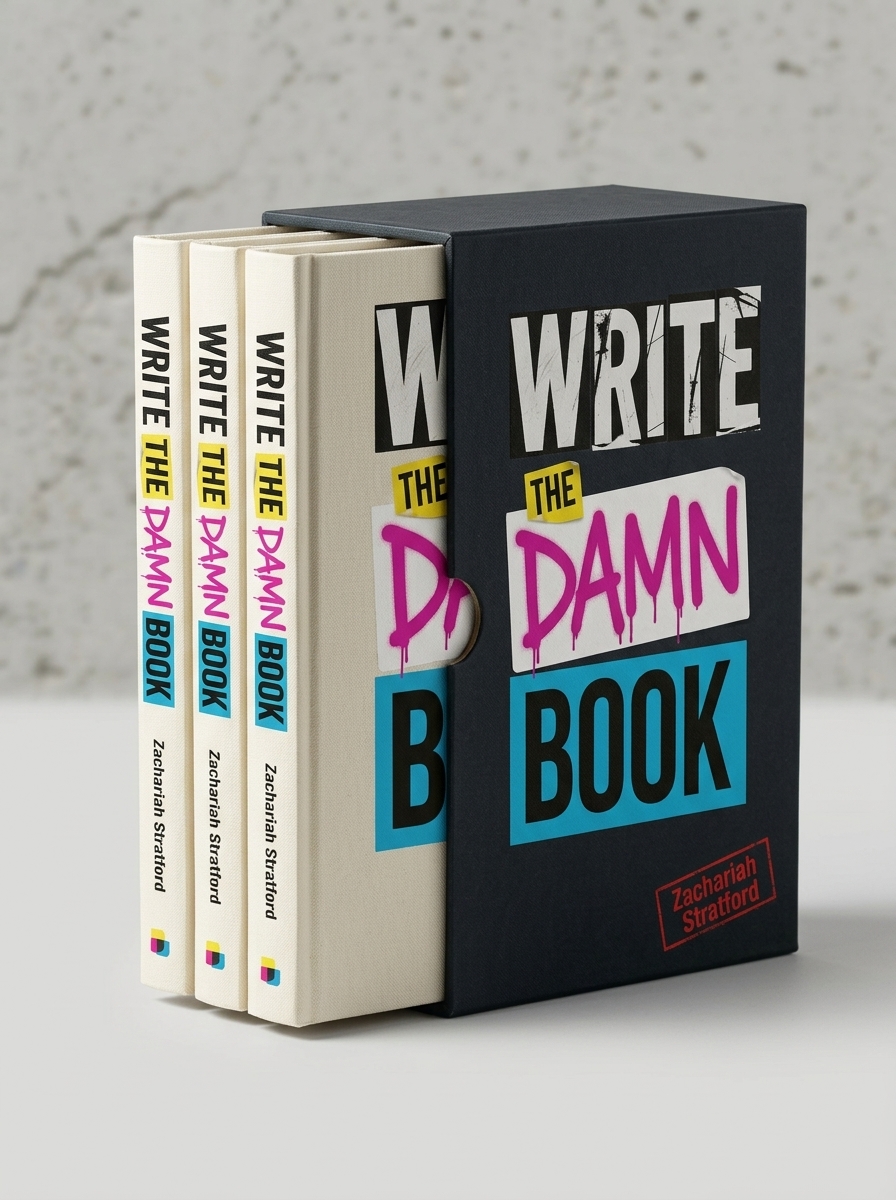
A generated book box set mockup — no Photoshop, no 3D software
2. Consolidate Your Series Branding
Think about the overarching visual theme for your box set. This often involves selecting a primary color palette, font styles, and graphic elements that tie all your books together. The box itself will need a design that complements the individual book covers, perhaps featuring a simplified version of the series logo or title. Having these assets ready (or a clear vision for them) will expedite the mockup creation process.
3. Choose Your Online Mockup Generator
This is where the "no Photoshop" magic happens. Several online platforms offer 3D mockup generation. You’ll want one that specifically supports book box sets. Many of these tools operate on a template-driven system, where you upload your cover art, and the system automatically renders it into a 3D object. Look for generators that offer:
Box Set Specific Templates: Not all generators have this; ensure it can handle multiple books within a single box.
High-Resolution Output: Crucial for print and high-quality digital display.
Ease of Use: A simple, intuitive interface where you can upload your images and generate with a few clicks.
Varied Angles & Styles: The ability to generate mockups from different perspectives or with different background settings adds versatility.
4. Upload Your Cover Files
Once you've selected your generator, you'll typically be prompted to upload the cover images for each book in your series, and often a separate image for the box design itself. Make sure these are the final versions of your covers. The tool will then process these flat images and project them onto 3D models.
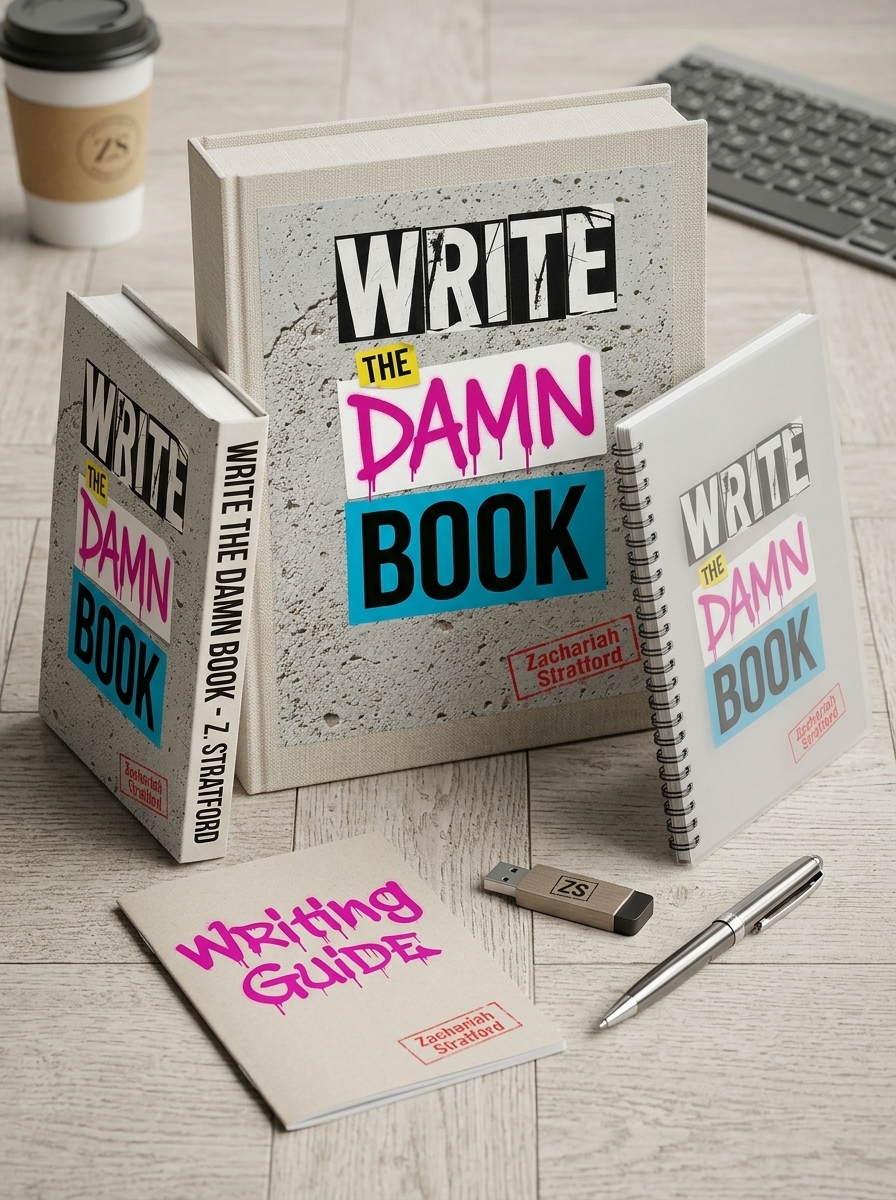
A course-style box set mockup, the same cover arranged as a multi-volume set
5. Generate and Download Your Mockup
After uploading, the generator will render your book box set mockup. This usually takes just a few seconds to a minute. Review the generated image for quality, clarity, and accuracy. Once satisfied, download the mockup in a high-resolution format, usually a JPG or PNG. You can then use this image on your website, social media, Amazon KDP product pages, and in all your marketing materials.
Creating a Professional Book Box Set Mockup with AuthorWizard in 3 Simple Steps
For non-fiction authors, streamlining the creation of marketing assets is key. AuthorWizard.app, your all-in-one AI platform, simplifies the process of generating photorealistic 3D book box set mockups without needing any design software or technical skills. Here's how it works:
Finalize Your Book Covers: Ensure each individual book in your series has a completed, high-resolution cover. If you designed them within AuthorWizard's Cover Designer, they're already optimized.
Navigate to the 3D Book Rendering Studio: Within the AuthorWizard platform, proceed to Stage 8. This dedicated studio generates a variety of 3D mockups.
Select "Standard Boxset" and Generate: Choose the "Standard boxset" option from the available mockup types. AuthorWizard automatically takes your finalized individual book covers and renders them into a photorealistic 3D box set mockup. You get 5 distinct photorealistic 3D renderings, including hardcover, paperback, e-reader, and course package box sets, all generated instantly. These mockups are ready for your ads, landing pages, and Amazon author page, ensuring your series looks professional and appealing.
The entire process takes less than 5 minutes, providing you with a high-quality asset without the need for manual design work.
Advanced Tips for a Polished Book Box Set Mockup
To truly make your book box set mockup shine, consider these advanced tips:
A hardcover mockup of the same book, for comparison against the set
Ensure Consistent Branding Across All Elements
This extends beyond just your book covers. The box design itself should echo the fonts, colors, and overall aesthetic of your individual books. A unified brand identity makes your series look intentional and professional, increasing reader trust and perceived value. For instance, if your books use a clean, minimalist design with a specific sans-serif font, carry that elegance to the box.
Use High-Resolution Source Files
Garbage in, garbage out. Always upload the highest resolution versions of your book covers and box art. Aim for 300 DPI (dots per inch) or higher. This prevents pixelation and ensures your final mockup is crisp and professional, whether displayed on a large monitor or in a high-resolution ad. Low-resolution images will make your box set look amateurish, undermining your marketing efforts.
Experiment with Different Angles and Backgrounds
If your chosen mockup generator offers multiple angles or background options, experiment! A straight-on view might be great for Amazon, but a slightly angled view with a subtle shadow could be more engaging for a social media post. Some tools offer plain white backgrounds, while others provide more dynamic scene settings. Having a few different versions gives you flexibility for various marketing channels. For example, a mockup on a clean, professional desk might suit a LinkedIn post, while one with a more relaxed, cozy background could work for Instagram.
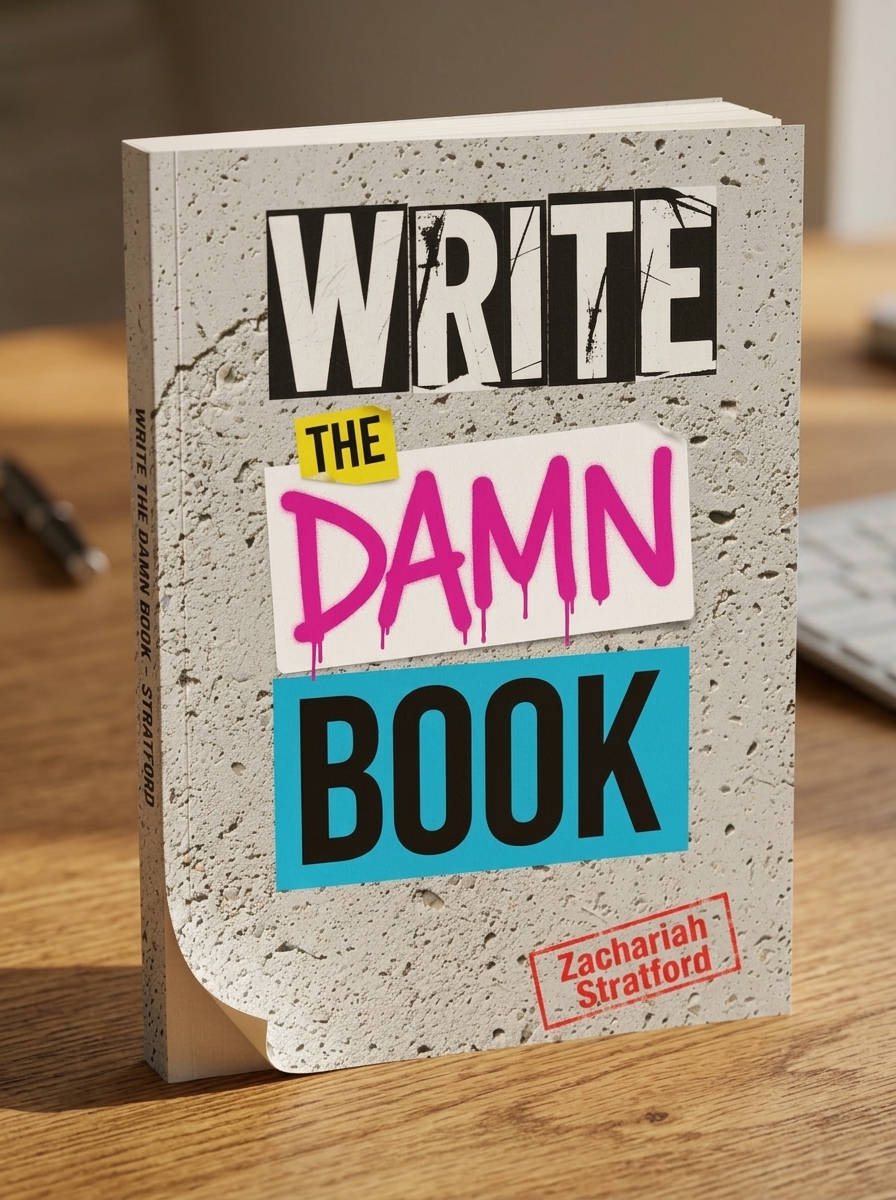
A paperback mockup — the single-title version of the same artwork
Add a Call to Action to Your Marketing Materials
Once you have your stunning book box set mockup, integrate it into your marketing with a clear call to action. Don't just display it; tell people what to do next. "Grab the complete series now!" or "Start reading Book 1 today!" placed alongside your mockup will guide your audience directly to the purchase page, maximizing your mockup's effectiveness. This turns a passive visual into an active conversion tool.
Consider Your Audience and Platform
Think about where your mockup will be displayed. Amazon product pages benefit from clear, direct images. Instagram and TikTok might thrive with more stylized or dynamic visuals. Facebook ads can blend compelling copy with an eye-catching mockup. Tailoring your mockup's presentation to the platform and your target audience ensures maximum impact. For a serious business book series, a sophisticated, clean mockup is best. For a more casual, motivational series, a warmer, more approachable mockup might connect better.
The Bottom Line: Professional Mockups Are Now Accessible
The era of requiring expensive software and specialized design skills for professional book box set mockups is over. Thanks to intuitive online tools and AI-powered platforms, non-fiction authors can generate high-quality, photorealistic assets quickly and efficiently in 2026. Investing a small amount of time in creating these visual bundles can significantly enhance your book series' marketability, attract more readers, and ultimately drive more sales. Don't let the technical barrier of design software hold you back from presenting your work in the best possible light.
Get 5 Photorealistic 3D Book Mockups — Instantly
Hardcover, paperback, e-reader, boxset, course boxset — AuthorWizard generates all 5 in seconds from your cover. Ready to drop into your ads, landing page, and Amazon author page.